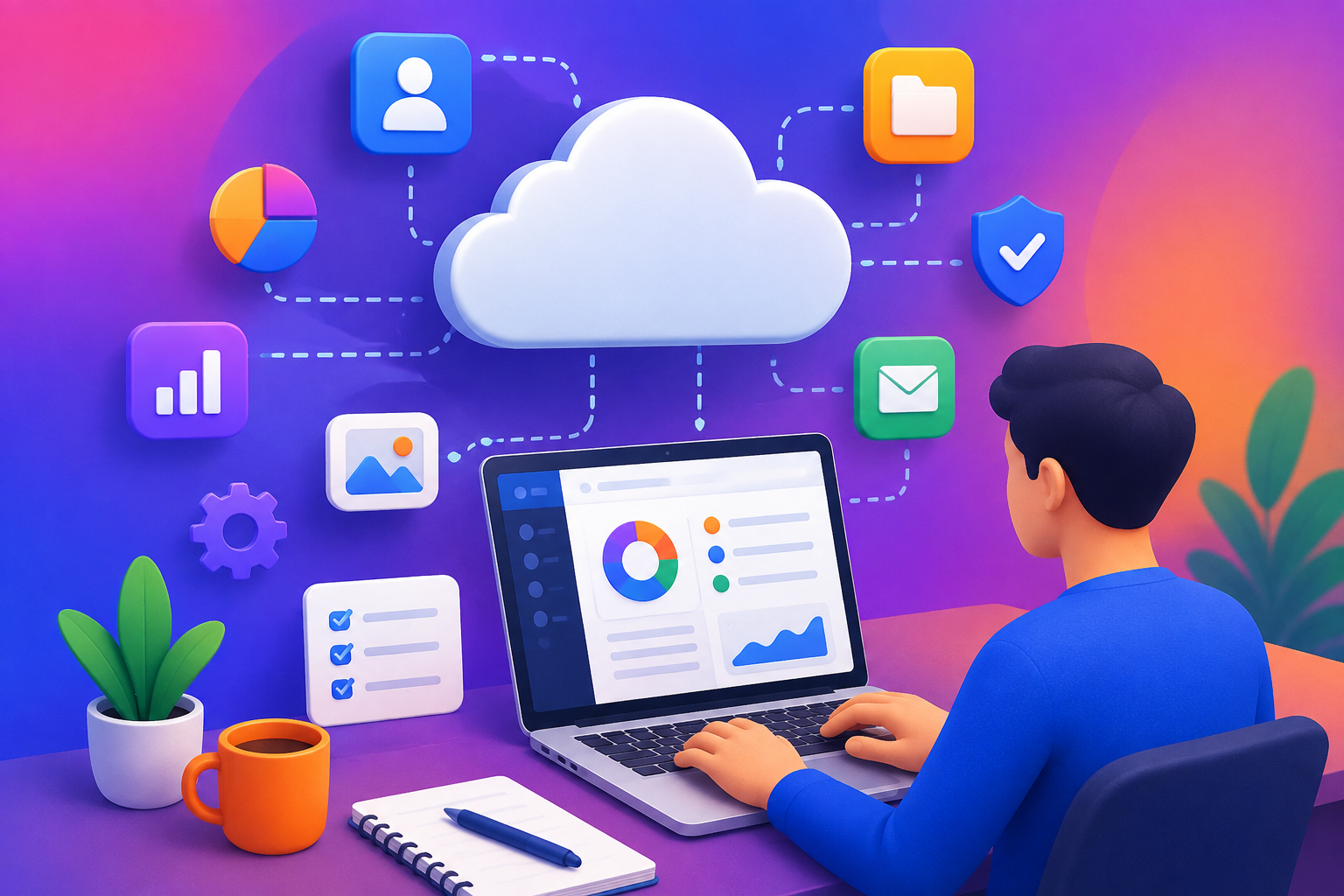
Software has changed dramatically over the past decade. Instead of installing every application on individual computers, businesses can now access many tools directly through the internet. From project management and accounting to communication, customer service, marketing, and human resources, cloud-based applications have become an important part of everyday business operations.
This model is commonly known as Software as a Service (SaaS).
SaaS offers convenience, scalability, and flexibility, but it also creates an important responsibility: protecting the information stored and processed by these applications.
Customer records, employee information, financial documents, business plans, passwords, and other sensitive data may all pass through SaaS platforms. A security problem involving one application can therefore affect an entire organization.
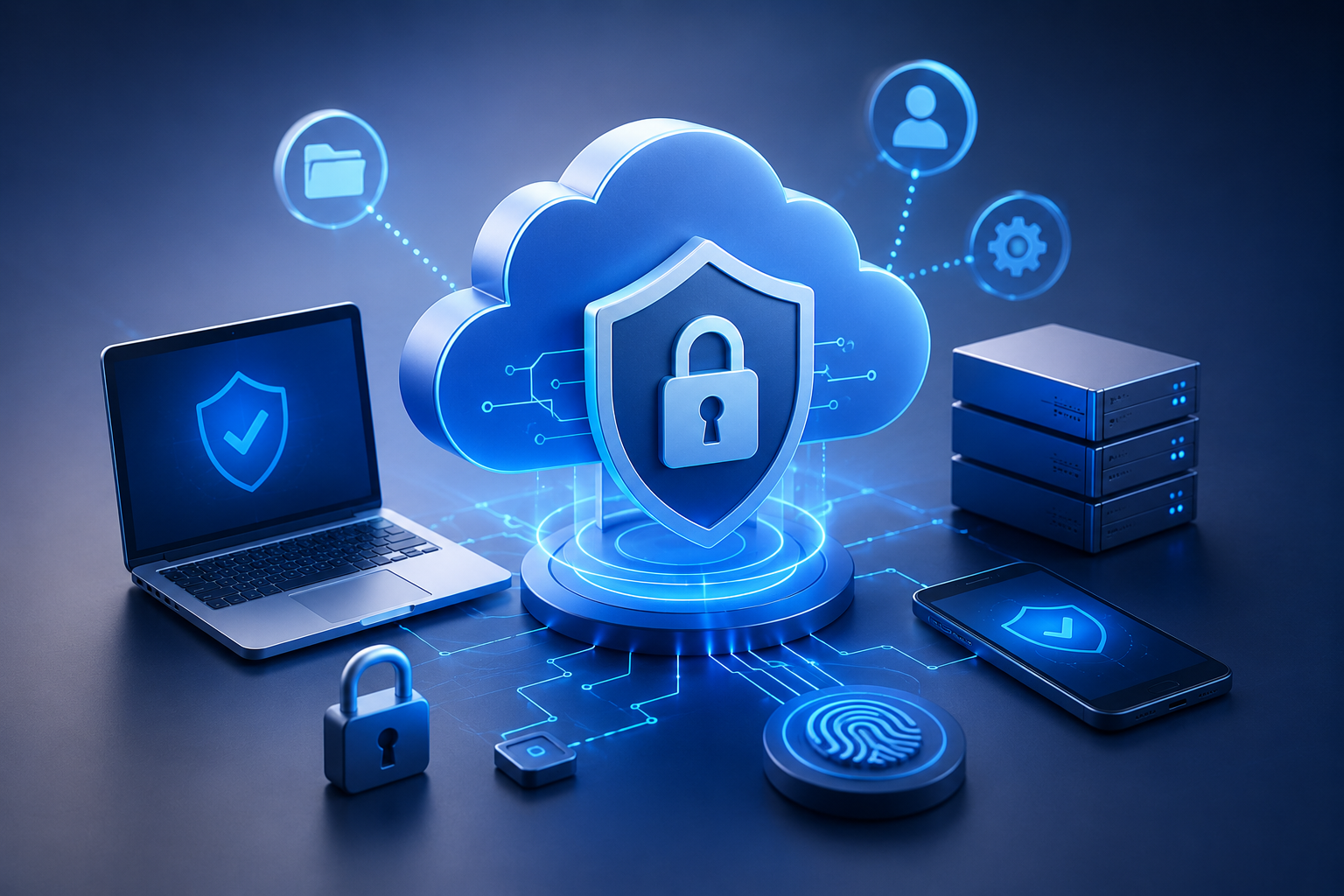
SaaS security is the collection of practices, technologies, policies, and controls used to protect cloud-based software, accounts, applications, and data.
What Is SaaS Security?
SaaS security focuses on protecting software applications delivered through the internet.
Unlike traditional software installed entirely on a company’s own computers, SaaS applications are generally hosted and managed by a service provider.
Users typically access the application through a web browser or mobile application.
This creates a shared responsibility.
The SaaS provider is generally responsible for securing its underlying infrastructure and platform, while customers are still responsible for aspects such as account security, user permissions, configuration, and how they use the service.
The exact division of responsibility depends on the provider and service agreement.
Why SaaS Security Matters
Businesses increasingly rely on multiple SaaS applications.
A company might use one platform for customer management, another for accounting, another for employee communication, and another for project management.
Each application may contain important information.
This creates a larger digital environment that businesses need to manage.
A compromised account could potentially give an unauthorized person access to confidential information.
Security therefore cannot be treated as an optional feature.
It should be considered when selecting, configuring, and using SaaS applications.
Strong Passwords Are the First Step
Passwords remain an important part of account security.
Weak or reused passwords can make accounts easier to compromise.
Businesses should encourage employees to use strong, unique passwords for their accounts.
A strong password should generally be difficult to guess and should not be reused across multiple services.
Password managers can also help users generate and securely store unique credentials.
However, passwords alone should not be considered sufficient protection for important business accounts.
Multi-Factor Authentication
One of the most effective ways to strengthen SaaS account security is multi-factor authentication, often called MFA.
MFA requires users to provide more than one form of verification.
For example, a login may require:
Password + Authentication Code
or another approved authentication method.
Even if a password is stolen, an attacker may have difficulty accessing the account without the additional authentication factor.
Businesses should consider enabling MFA for administrators and other accounts with access to sensitive information.
Managing User Permissions
Not every employee needs access to every piece of information.
A marketing employee may not need access to financial records. A temporary contractor may only need access to a specific project.
This is why user permissions matter.
Businesses should follow the principle of least privilege, giving users only the access they need to perform their responsibilities.
Regularly reviewing permissions can also help prevent unnecessary access from remaining active.
Removing Former Employees
Employee turnover creates another security consideration.
When an employee leaves a company, their access to SaaS applications should be removed or disabled according to the organization’s offboarding process.
If an old account remains active, it can create unnecessary security risk.
Businesses should maintain a clear process covering:
- Account deactivation
- Password and credential changes where necessary
- Access-token revocation
- Transfer of important files
- Removal from team workspaces
- Review of administrative privileges
Automated identity-management systems can make this process easier for larger organizations.
Protecting Administrator Accounts
Administrator accounts typically have more power than ordinary user accounts.
An administrator may be able to create users, change security settings, access sensitive information, or modify application configurations.
These accounts should therefore receive additional protection.
Businesses can limit the number of administrators, require stronger authentication, monitor administrative activity, and regularly review administrator privileges.
Using an administrator account for everyday activities when elevated privileges are not needed can also increase unnecessary exposure.
SaaS Configuration Matters
Security is not only about passwords.
Incorrect application settings can also create risks.
For example, a business may accidentally make a document accessible to people who should not see it.
Cloud applications often contain many configuration options related to sharing, permissions, integrations, notifications, and data access.
Organizations should review these settings carefully.
Default configurations should not automatically be assumed to provide the best security for every business.
Data Encryption
Encryption helps protect information by transforming it into a form that unauthorized individuals cannot easily understand.
SaaS providers may use encryption when data is being transmitted and when it is stored.
Businesses evaluating a SaaS platform should understand how the provider protects customer information and what security controls are included.
The exact encryption architecture varies between providers and services.
Organizations with specific regulatory or contractual requirements should ensure that the provider’s security capabilities meet those requirements.
Backup and Recovery
Even secure systems can experience incidents.
Data may be deleted accidentally, corrupted, lost because of an operational problem, or affected by a security incident.
Businesses should understand how their SaaS provider handles backups and data recovery.
It is also important to determine whether the provider’s backup capabilities are sufficient for the organization’s needs.
For critical information, companies may need additional backup or export strategies depending on the application.
A backup is only useful if the organization can actually restore the required information when needed.
Employee Security Awareness
Technology alone cannot solve every security problem.
Employees play an important role in protecting SaaS environments.
Phishing attacks, fraudulent login pages, malicious attachments, and social engineering can target users directly.
Regular security awareness training can help employees recognize suspicious activity.
Employees should understand basic practices such as:
- Avoiding suspicious links
- Verifying unexpected requests
- Using MFA
- Reporting unusual login alerts
- Protecting account credentials
- Avoiding unauthorized software integrations
- Following company security policies
A well-trained workforce can become an important part of an organization’s security strategy.
Monitoring SaaS Accounts
Businesses should know what is happening within their important applications.
Depending on the SaaS platform, organizations may be able to review login history, administrator actions, file-sharing activity, API usage, and other security events.
Monitoring can help identify unusual behavior.
For example, a login from an unexpected location or an unusual number of file downloads may deserve investigation.
The goal is not necessarily to monitor every activity manually but to establish appropriate alerts and review processes.
Third-Party Integrations
SaaS applications often connect with other services.
For example, a CRM may connect with an email platform, accounting software, marketing system, or customer support application.
These integrations can improve productivity, but they also create additional access relationships.
Before connecting an application, businesses should consider:
- What information will be shared?
- What permissions does the integration require?
- Who controls the integration?
- Is the integration still necessary?
- What happens if the integration is compromised?
Unused integrations should be removed where appropriate.
API Security
Many SaaS platforms provide APIs that allow applications to communicate with each other.
APIs can be extremely useful, but API credentials and access tokens need to be protected.
Organizations should avoid exposing sensitive credentials in public locations and should restrict permissions wherever possible.
API access should be reviewed periodically, particularly when employees, applications, or business processes change.
Choosing a Secure SaaS Provider
Security should be part of the SaaS selection process.
Businesses should investigate the provider’s security practices before committing important information to a platform.
Useful questions include:
- What security certifications or independent assessments does the provider maintain?
- How is customer data protected?
- Where is data stored?
- What authentication options are available?
- How are security incidents handled?
- What backup and recovery processes exist?
- How are employees and administrators controlled?
- What audit logs are available?
- How is customer data deleted when the service ends?
The answers will vary depending on the provider and the type of information involved.
Understanding Compliance
Some organizations operate under industry-specific regulations or contractual requirements.
Depending on the business and location, these requirements may influence how customer or employee information must be stored, processed, accessed, and protected.
A SaaS provider may offer compliance-related certifications or documentation, but businesses should not assume that using a compliant provider automatically makes their own operations compliant.
Customers remain responsible for how they configure and use the service.
Organizations should seek professional legal or compliance guidance when requirements are complex.
The Shared Responsibility Model
A common misunderstanding is that the SaaS provider is responsible for everything related to security.
In reality, security responsibilities are often shared.
The provider may protect:
- Physical infrastructure
- Servers
- Core platform
- Network infrastructure
- Certain application-level controls
The customer may need to manage:
- User accounts
- Passwords
- MFA
- Permissions
- Data-sharing settings
- Integrations
- Employee behavior
- Internal policies
The exact responsibilities depend on the provider.
Understanding this division is essential because security gaps can occur when each side assumes the other is responsible.
Common SaaS Security Mistakes
Businesses can make several avoidable mistakes.
One is allowing employees to use shared accounts. Shared accounts make it harder to determine who performed a particular action and can weaken accountability.
Another is giving users excessive permissions.
A third mistake is failing to remove old accounts.
Businesses may also connect numerous third-party applications without reviewing what information those applications can access.
Finally, organizations sometimes focus heavily on preventing attacks while paying less attention to recovery.
A strong security strategy should include prevention, detection, response, and recovery.
Building a SaaS Security Checklist
A basic SaaS security checklist can help organizations maintain consistent practices.
Businesses can review:
Account Security
Use strong passwords and enable MFA.
Access Control
Give employees only the permissions they need.
User Management
Regularly review active users and remove unnecessary accounts.
Configuration
Check sharing and security settings.
Integrations
Review connected applications and remove unused connections.
Monitoring
Enable appropriate security alerts and logging.
Backups
Understand recovery options and maintain additional protection where necessary.
Training
Teach employees how to recognize common security threats.
Vendor Review
Evaluate the security practices of SaaS providers before using them for sensitive information.
The Future of SaaS Security
As businesses continue adopting cloud software, SaaS security is likely to become even more important.
Artificial intelligence may help security teams identify unusual behavior and prioritize potential threats.
Identity-based security systems may increasingly replace traditional assumptions about trusted networks.
Organizations may also adopt more automated security monitoring and configuration management.
At the same time, attackers will continue looking for weaknesses in accounts, applications, integrations, and human behavior.
Businesses will therefore need to treat SaaS security as an ongoing process rather than a one-time setup.
Final Thoughts
SaaS applications can make businesses more flexible, productive, and connected, but convenience should not come at the expense of security.
Protecting SaaS environments requires a combination of strong authentication, appropriate permissions, careful configuration, employee awareness, monitoring, secure integrations, and reliable recovery processes.
Businesses should also understand the shared responsibility model and recognize that subscribing to a secure SaaS platform does not eliminate the customer’s own security responsibilities.
The most effective approach is to build security into every stage of SaaS usage—from selecting a provider and configuring an application to managing employees and eventually removing the service.
As cloud software becomes an even larger part of everyday business operations, organizations that treat SaaS security as a continuous priority will be better positioned to protect their data, maintain customer trust, and operate confidently in an increasingly connected digital environment.