In today’s digital world, you don’t need expensive software, powerful computers, or a large IT team to access useful technology. A growing number of businesses and individuals rely on SaaS, short for Software as a Service, to handle everything from communication and project management to accounting, marketing, design, and customer support.
SaaS has quietly become one of the most useful technologies in everyday life. Many of the apps people use every day are powered by the SaaS model, even when users never think about how the software is delivered.
For a website like Life Hack Secret, understanding SaaS is valuable because these tools can make everyday tasks faster, simpler, and more organized.
What Is SaaS?
Software as a Service is a method of providing software through the internet rather than requiring users to install and maintain traditional software on their own computers.
Instead of purchasing a program once and installing it permanently, users generally access SaaS products through a web browser or application. The software provider manages the underlying infrastructure, updates, maintenance, security, and other technical requirements.
Common examples include online productivity platforms, cloud storage services, accounting applications, email marketing systems, customer relationship management tools, and collaboration software.
The basic idea is simple:
You use the software when you need it, while the provider takes care of much of the technology behind it.
How Does SaaS Work?
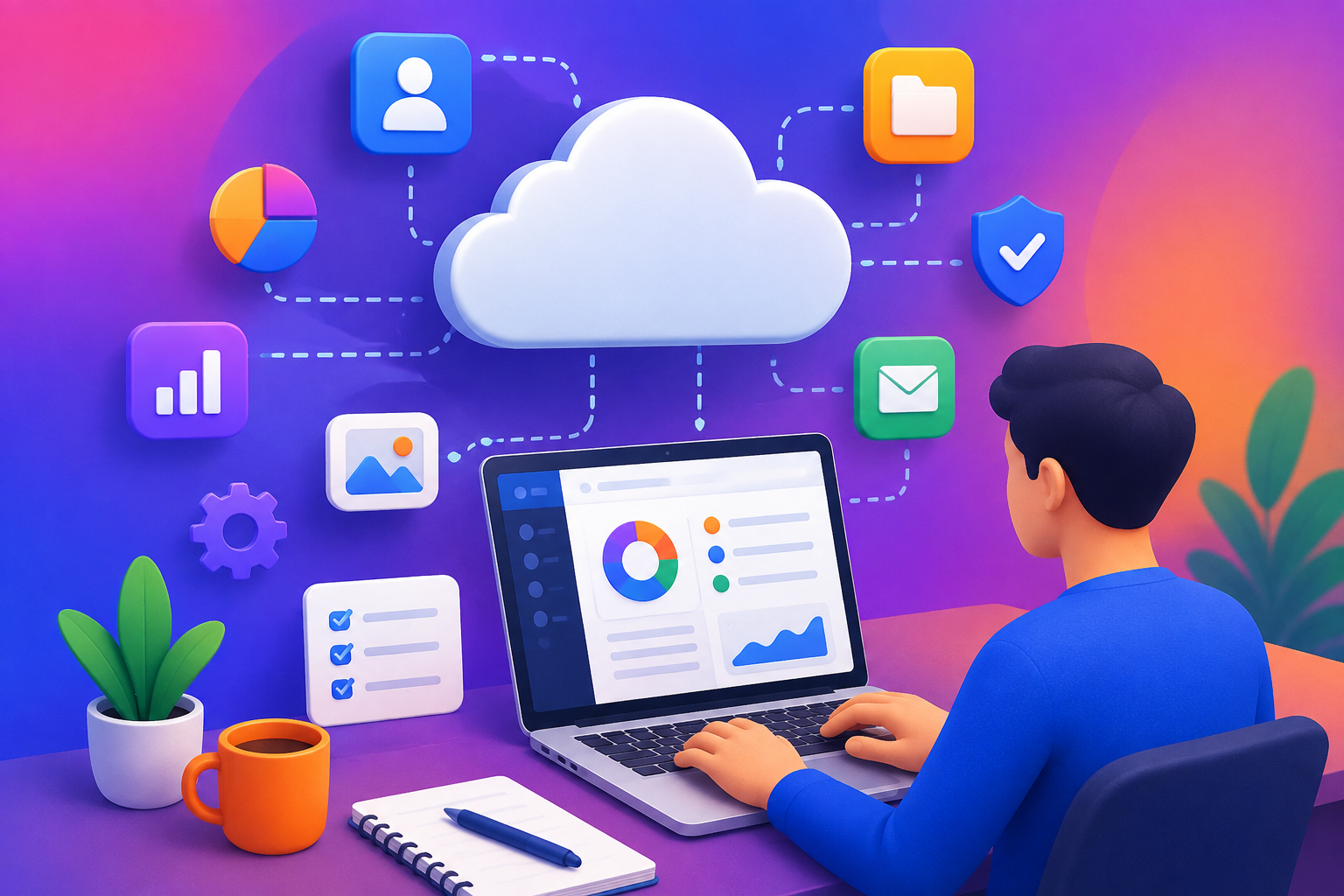
SaaS applications normally operate on cloud infrastructure. The provider hosts the software and associated data on servers and makes the service available to customers through the internet.
A typical SaaS experience looks like this:
- Choose a SaaS application.
- Create an account.
- Select a free or paid plan.
- Log in through a browser or app.
- Use the available features.
- Receive updates without manually installing new versions.
This approach removes much of the technical work that traditionally came with software ownership.
For example, if you use an online project-management platform, you generally don’t need to install a server, configure databases, or manually update the application. Those responsibilities are handled by the service provider.
Why Is SaaS So Popular?
The popularity of SaaS comes from convenience.
Traditional software could require installation, licensing, hardware compatibility, manual updates, and technical maintenance. SaaS reduces many of these barriers.
Another major advantage is accessibility. Because the application is usually available online, users can often work from different devices and locations.
For businesses, this can make remote work and collaboration considerably easier.
Major Benefits of SaaS
1. Easy Accessibility
One of the biggest advantages of SaaS is that users can access their tools from different locations and devices, provided they have the necessary internet connection and credentials.
This is especially useful for remote workers, freelancers, students, entrepreneurs, and distributed teams.
2. Lower Initial Costs
Traditional enterprise software can require significant upfront investment.
SaaS commonly uses subscription-based pricing, allowing organizations to spread costs over time instead of purchasing expensive infrastructure and licenses immediately.
However, users should consider the total cost over several years, rather than assuming a subscription will always be cheaper.
3. Automatic Updates
Software becomes outdated quickly. SaaS providers can update their platforms centrally, allowing customers to receive new features, bug fixes, and improvements without manually installing every update.
4. Easier Collaboration
Many SaaS platforms are designed around collaboration. Multiple people can work on projects, documents, customer records, or workflows from different locations.
This has become particularly useful as hybrid and remote work have grown.
5. Scalability
A small business may start with only a few users and eventually expand to hundreds or thousands.
Many SaaS platforms provide plans or features that allow organizations to increase their usage as their needs change.
6. Less Technical Maintenance
With traditional on-premise software, organizations may need technical staff to manage servers, backups, upgrades, and infrastructure.
SaaS shifts much of this responsibility to the provider.
SaaS for Everyday Life
You don’t have to run a large company to benefit from SaaS.
Students can use cloud-based productivity and collaboration tools for assignments and group projects. Freelancers can use online invoicing, communication, scheduling, and project-management services.
Families may use cloud storage, shared calendars, online communication platforms, and subscription-based applications.
Even personal organization can benefit from SaaS.
A simple combination of a cloud notes application, calendar, task manager, and storage platform can help create a highly organized digital workspace.
SaaS for Small Businesses
SaaS has been particularly valuable for small businesses.
In the past, a company might have needed significant technical infrastructure to operate sophisticated business software. Today, smaller organizations can access tools for accounting, customer management, marketing, communication, analytics, and operations without building everything internally.
This gives smaller businesses access to capabilities that were once primarily available to larger organizations.
For example, a small online store might use separate SaaS platforms for:
- Customer relationship management
- Email marketing
- Accounting
- Inventory management
- Customer support
- Team communication
- Analytics
- Graphic design
The result can be a flexible digital ecosystem built from specialized services.
SaaS and Remote Work
Remote work has increased the importance of cloud-based software.
Employees may live in different cities or countries while collaborating on the same projects. SaaS platforms can support communication, file sharing, meetings, project tracking, documentation, and workflow management.
Instead of relying on a single physical office, businesses can create digital work environments accessible from almost anywhere.
This is one reason SaaS has become closely associated with modern workplace productivity.
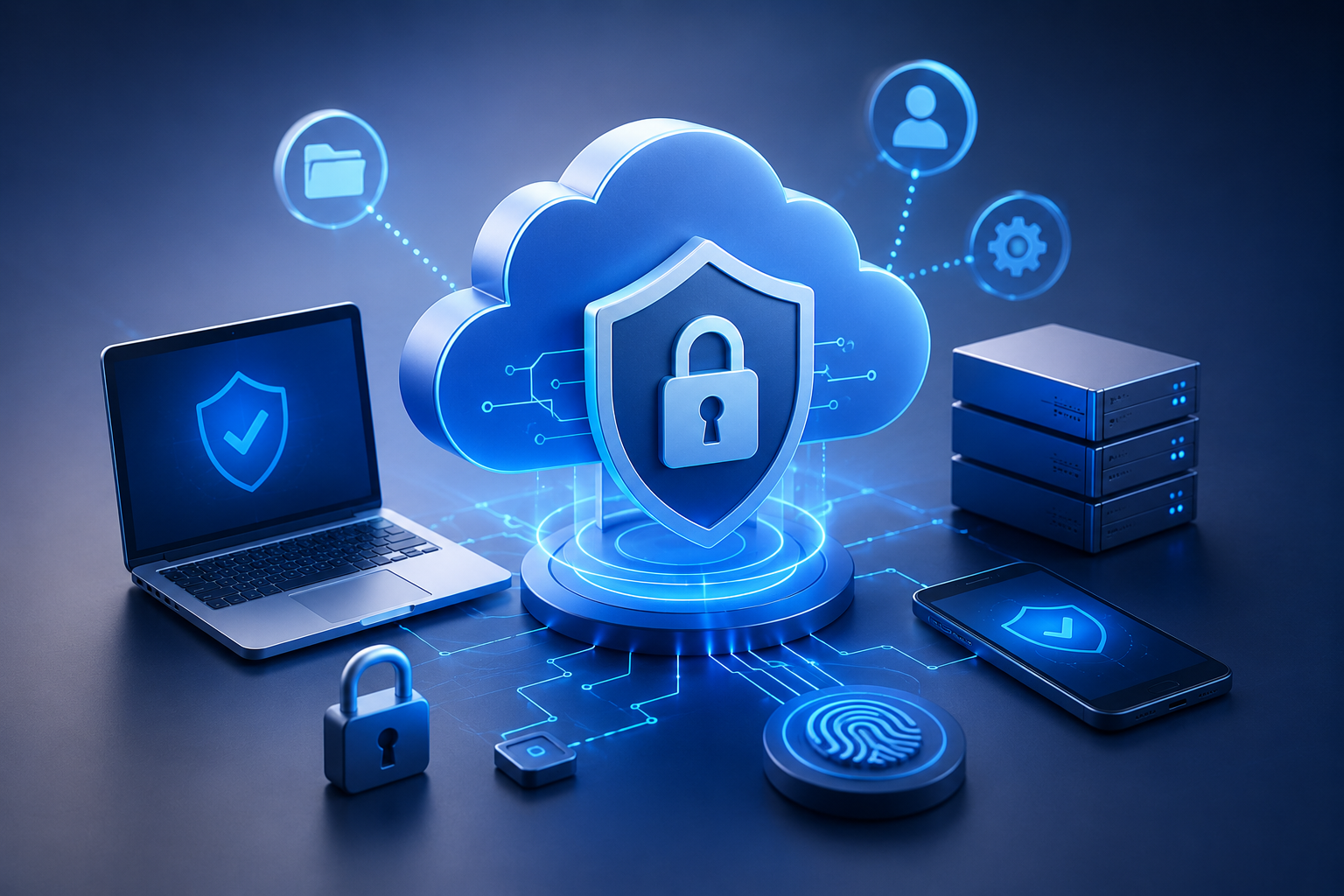
SaaS Security: What Should You Know?
Convenience should not mean ignoring security.
When you use SaaS, some information is stored or processed by an external provider. That makes it important to understand how the service handles your data.
Before choosing a SaaS product, consider:
- What information will you store?
- Does the provider offer strong authentication?
- Is multi-factor authentication available?
- How is data protected?
- Can you export your information?
- What happens if you cancel your subscription?
- Does the provider explain its security practices?
- Which employees or third parties can access your data?
For important accounts, use strong, unique passwords and enable multi-factor authentication whenever available.
The Hidden Cost of Too Many SaaS Tools
SaaS can simplify life, but there is a potential downside: subscription overload.
Someone may subscribe to one application for notes, another for tasks, another for communication, another for storage, another for design, and several more for specialized needs.
Individually, each subscription may seem inexpensive. Together, they can become a significant recurring expense.
A useful life hack is to periodically review your subscriptions.
Ask yourself:
Do I actually use this service enough to justify paying for it?
If two applications perform almost the same job, consider keeping only the one that works best.
How to Choose the Right SaaS Tool
Don’t choose software simply because it has the longest feature list.
Instead, start with the problem you are trying to solve.
For example, if your problem is disorganization, you may not need an advanced enterprise platform. A simple task manager might be enough.
Before subscribing, evaluate:
Features
Does the service actually solve your problem?
Pricing
Look beyond the introductory price. Check renewal costs, user limits, storage limits, and additional charges.
Ease of Use
A powerful tool is not useful if you find it frustrating to operate.
Integrations
Check whether it works with the other applications you already use.
Security
Review authentication, privacy, data protection, and account recovery options.
Data Portability
Find out whether you can export your data if you eventually move to another service.
SaaS and Artificial Intelligence
Artificial intelligence is increasingly becoming part of SaaS applications.
Modern software can use AI to summarize information, automate repetitive tasks, analyze data, generate content, assist customer support, and improve workflows.
This means SaaS is evolving from simply providing digital tools to helping users automate parts of their work.
For individuals and businesses, the biggest opportunity may not be using AI for everything. Instead, it is identifying repetitive tasks where automation can save meaningful time.
SaaS as a Life Hack
The most useful way to think about SaaS is not as a collection of trendy applications.
Think of it as a way to remove unnecessary friction from everyday tasks.
Need to collaborate with someone remotely? Use a cloud-based collaboration tool.
Need to organize tasks? Use a digital task manager.
Need to manage invoices? Use online accounting software.
Need to communicate with customers? Use a customer-support platform.
Need to schedule meetings? Use an online scheduling service.
The objective isn’t to collect dozens of applications. The objective is to build a simple digital system that helps you accomplish more with less effort.
Common SaaS Mistakes to Avoid
Choosing Too Many Tools
More software does not automatically mean more productivity. Too many platforms can actually make your workflow more complicated.
Ignoring Subscription Costs
Always monitor recurring payments.
Failing to Secure Accounts
Use unique passwords and multi-factor authentication where possible.
Not Backing Up Important Information
Even when a SaaS provider handles infrastructure and backups, users should understand the provider’s recovery policies and maintain appropriate copies of critical information when practical.
Buying Features You Don’t Need
A premium plan isn’t automatically better. Choose based on actual requirements.
The Future of SaaS
SaaS is likely to become increasingly integrated into everyday digital experiences.
Artificial intelligence, automation, data analytics, collaboration, and personalization are likely to become more deeply embedded in cloud-based applications.
The boundary between “software” and “service” is also becoming less obvious. Instead of simply purchasing a program, users increasingly subscribe to continuously evolving digital capabilities.
For consumers and businesses, this can create greater flexibility—but it also makes digital literacy and responsible technology management more important.
Final Thoughts
SaaS has transformed software from something that primarily lived on a computer into an accessible service that can support almost every aspect of modern work and personal organization.
Its biggest advantage isn’t simply that software is available online. The real benefit is the ability to access useful capabilities without managing all the technical infrastructure behind them.
For Life Hack Secret readers, the lesson is simple: don’t use technology just because it exists. Identify the problems that repeatedly waste your time, then find simple digital tools that genuinely make those tasks easier.
The best SaaS solution isn’t necessarily the most advanced one.
It’s the one that quietly makes your life simpler.